Sea Link: a Mumbai light experiment
Explore Mumbai’s Sea Link in 3D, find a view to photograph, and turn a personal image into a simulated light display on the bridge.
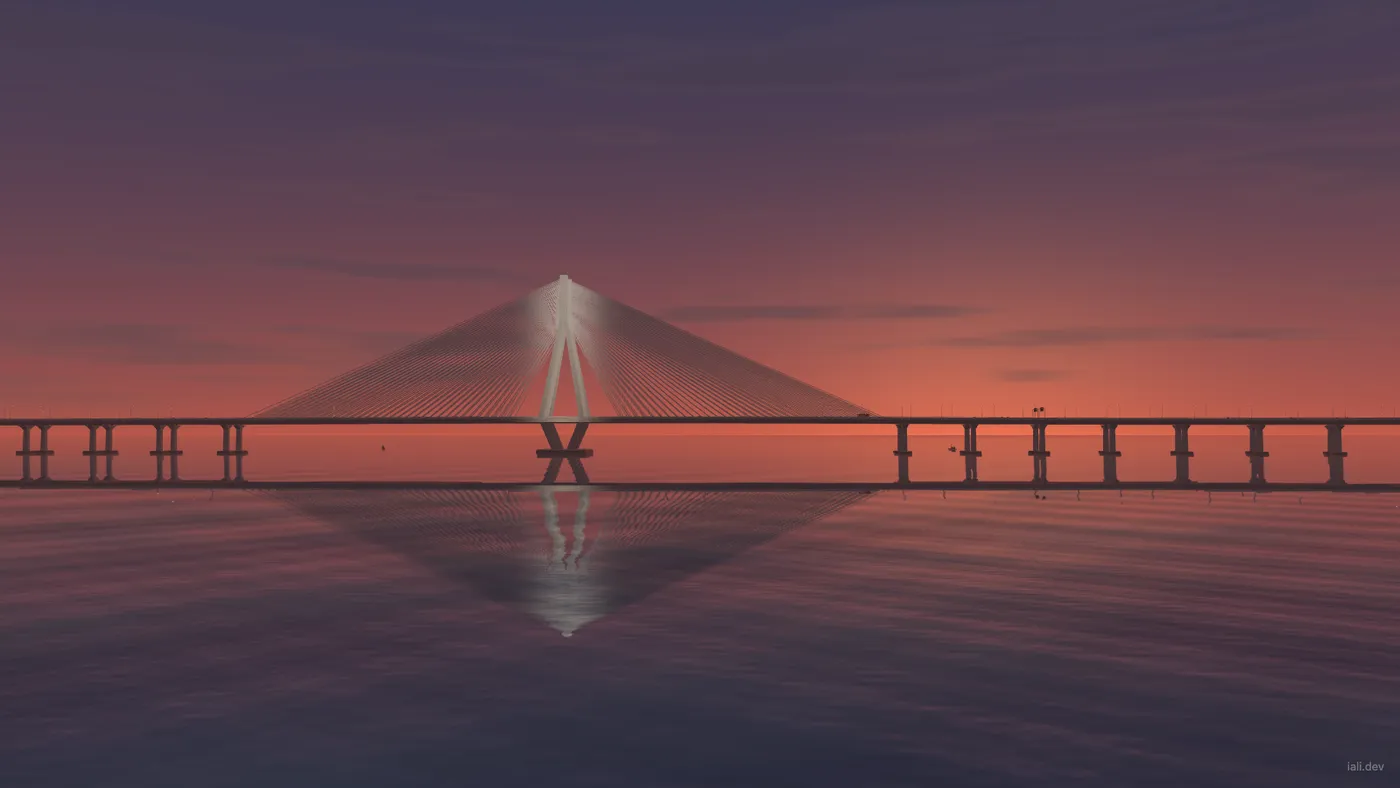
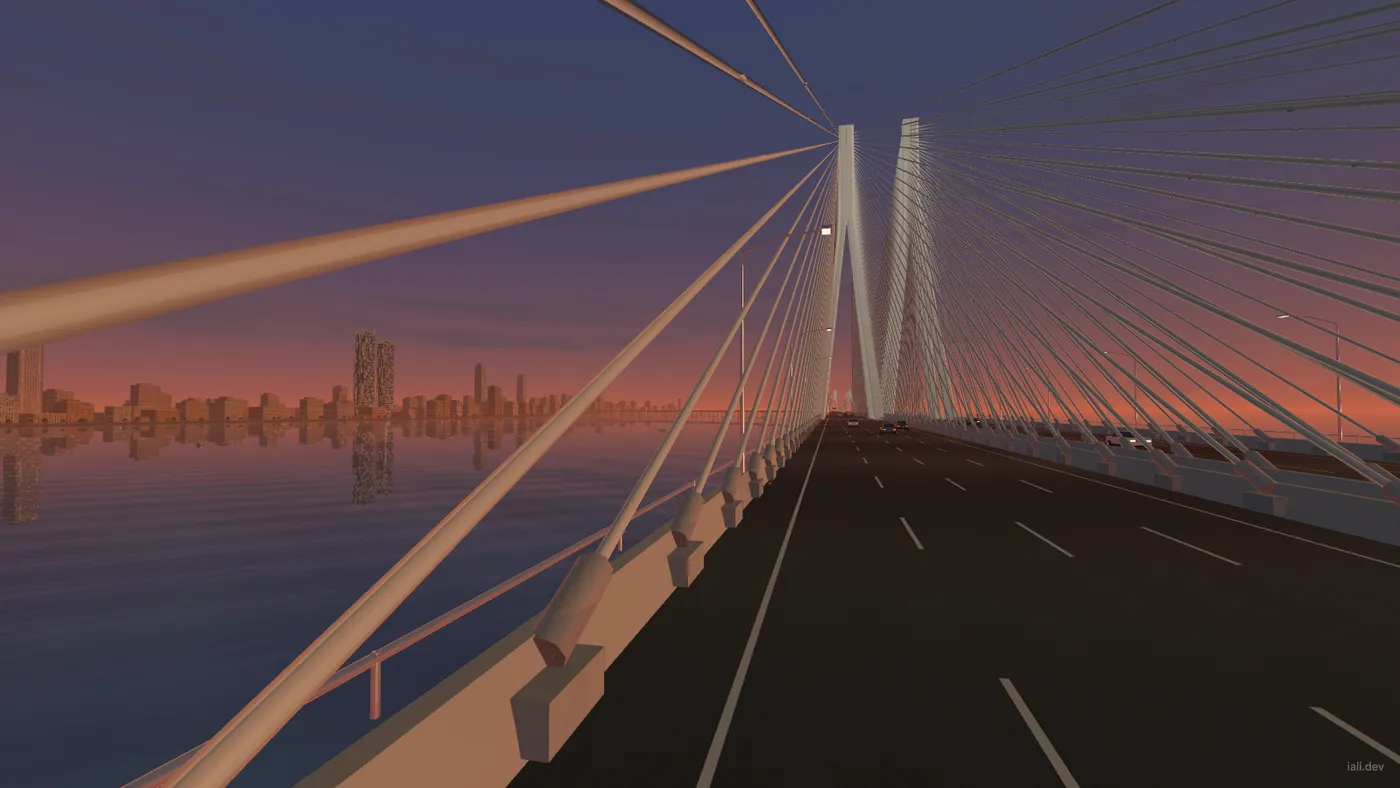
Sea Link is a browser experiment built around a 3D interpretation of Mumbai’s Bandra–Worli bridge. Move through the scene, follow an open-top double-decker, or find a view across the water and save it as a PNG.
The experience opens in sunset light with the photo editor closed. Camera presets and a free-orbit view let you explore the bridge, while the lighting controls change the sky, city and water together. Take photo captures the view whenever you find a composition you want to keep.
Put a photo in lights
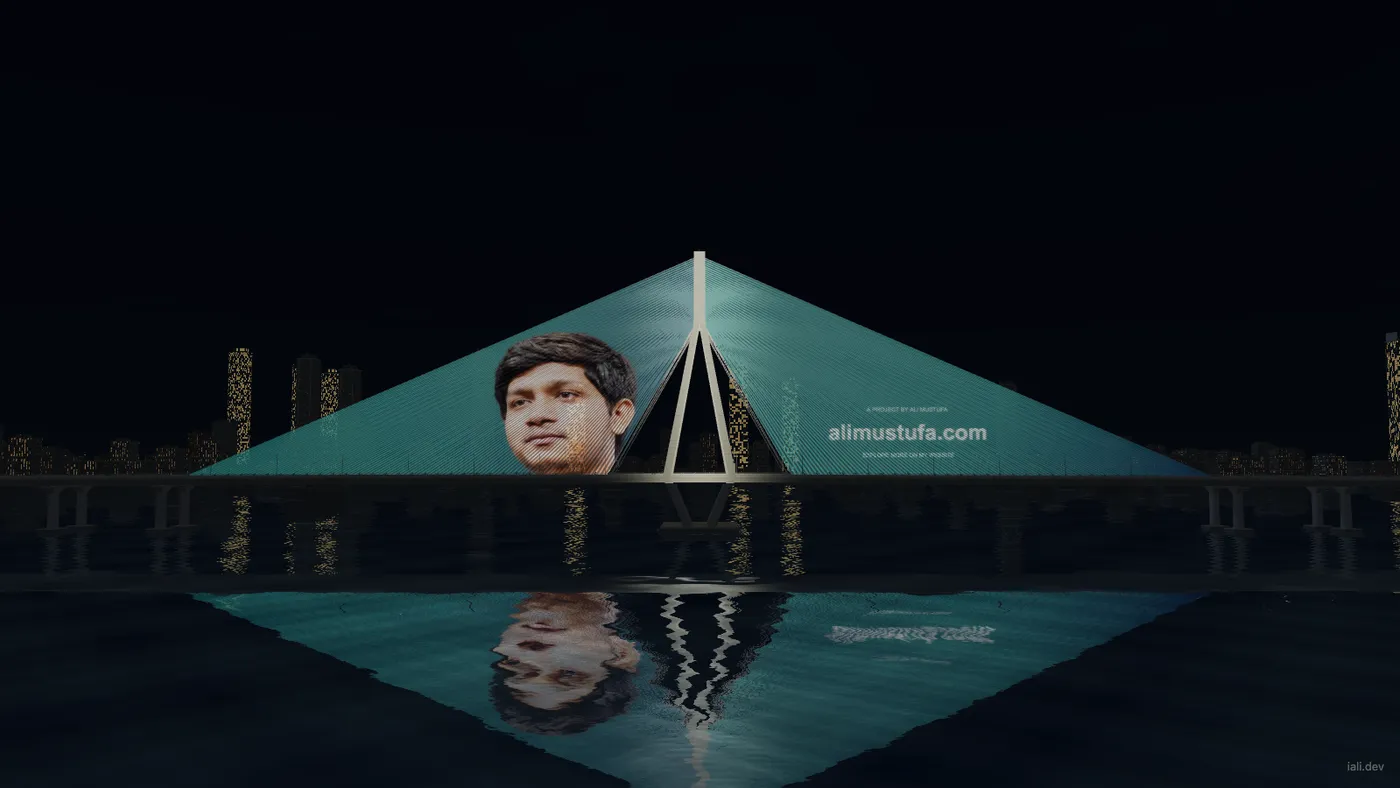
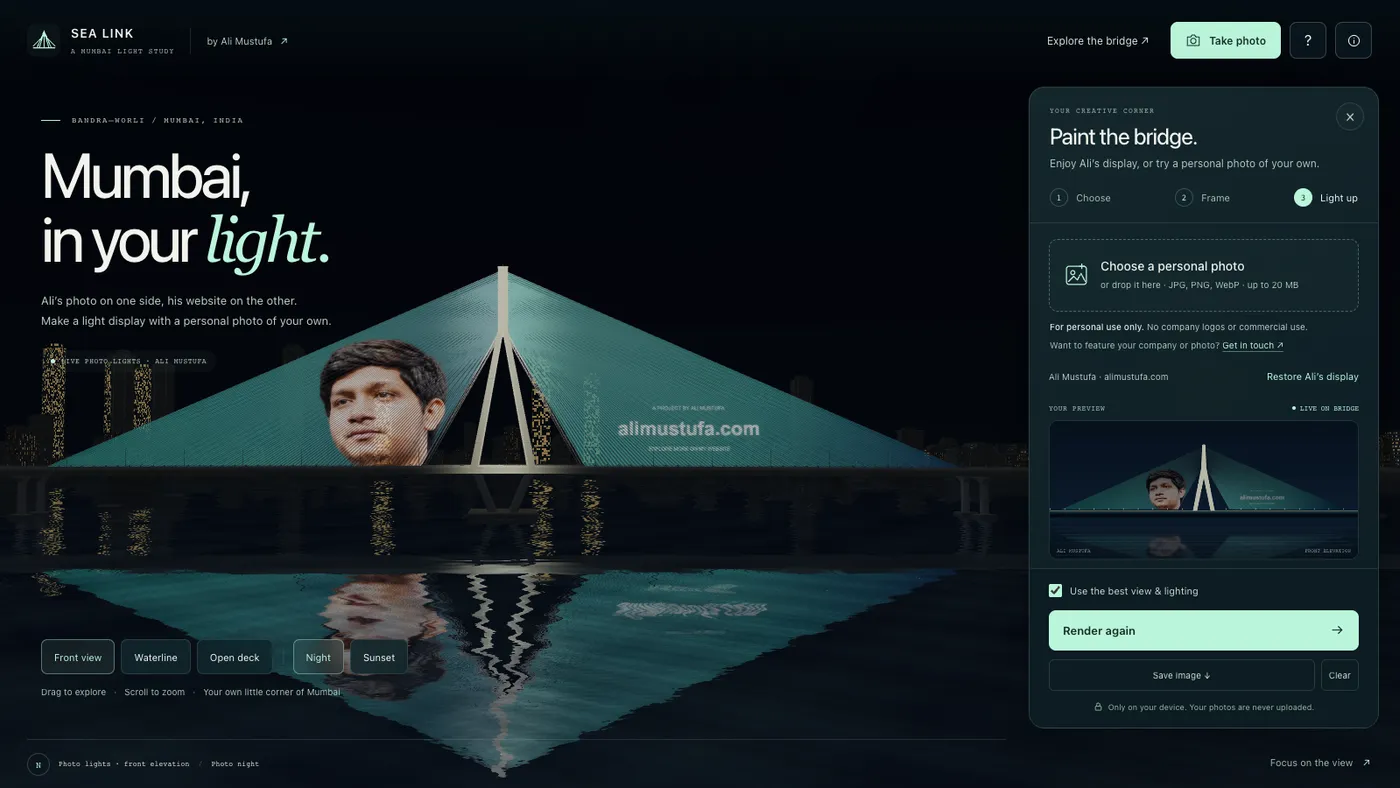
Opening the photo studio applies a featured display: my portrait on one cable fan and alimustufa.com on the other. Choose a personal JPEG, PNG or WebP to make a display of your own. Move and scale it inside the fan-shaped preview, then use Render on bridge to apply it to the scene.
The preview is a draft. Adjusting its crop leaves the existing bridge display in place until you render again. You can repeat a photo on both fans, span one image across the bridge, or use one fan. The central pylon and the shape of the cables affect what you see from each angle.
The light display is part of the 3D scene. It follows the cable-fan outline, glows against the night lighting and appears in the water’s reflection. On a phone, rendering collapses the editor so you can see the result; reopening it preserves the draft.
What runs in the browser
A custom WebGL 2 renderer draws the scene using JavaScript and GLSL shaders. Canvas prepares the photo texture and the downloadable image. A Python build script packages the application, and the hosted version loads its model, scripts and bundled imagery from the CDN.
Personal photos are decoded and resized on the device. The studio does not send them to a server or require an account. Editing state lasts for the current page session, so save a PNG before closing if you want to keep the result.
Both Take photo and Save image capture the rendered scene without the interface controls. The PNG includes the selected lighting, any applied artwork and a small, faded iali.dev watermark. The app provides rendered-image downloads; model reuse is covered by separate terms.
An interpretation of Mumbai
The bridge, skyline, sunset and bus route are artistic approximations. The light display is a simulation within this project, not an installation on the physical bridge.
The experience needs JavaScript and WebGL 2. It pauses rendering in hidden tabs, responds to reduced-motion preferences and supports keyboard controls, though graphics capability still varies across devices.
Personal, non-commercial scene captures are permitted under the model license. For model licensing or a featured company or photo display within this project, get in touch.