
Fluent: building live translation for a room full of people
Live presentations across languages, with translated audio, captions, shared slides, and audience participation.
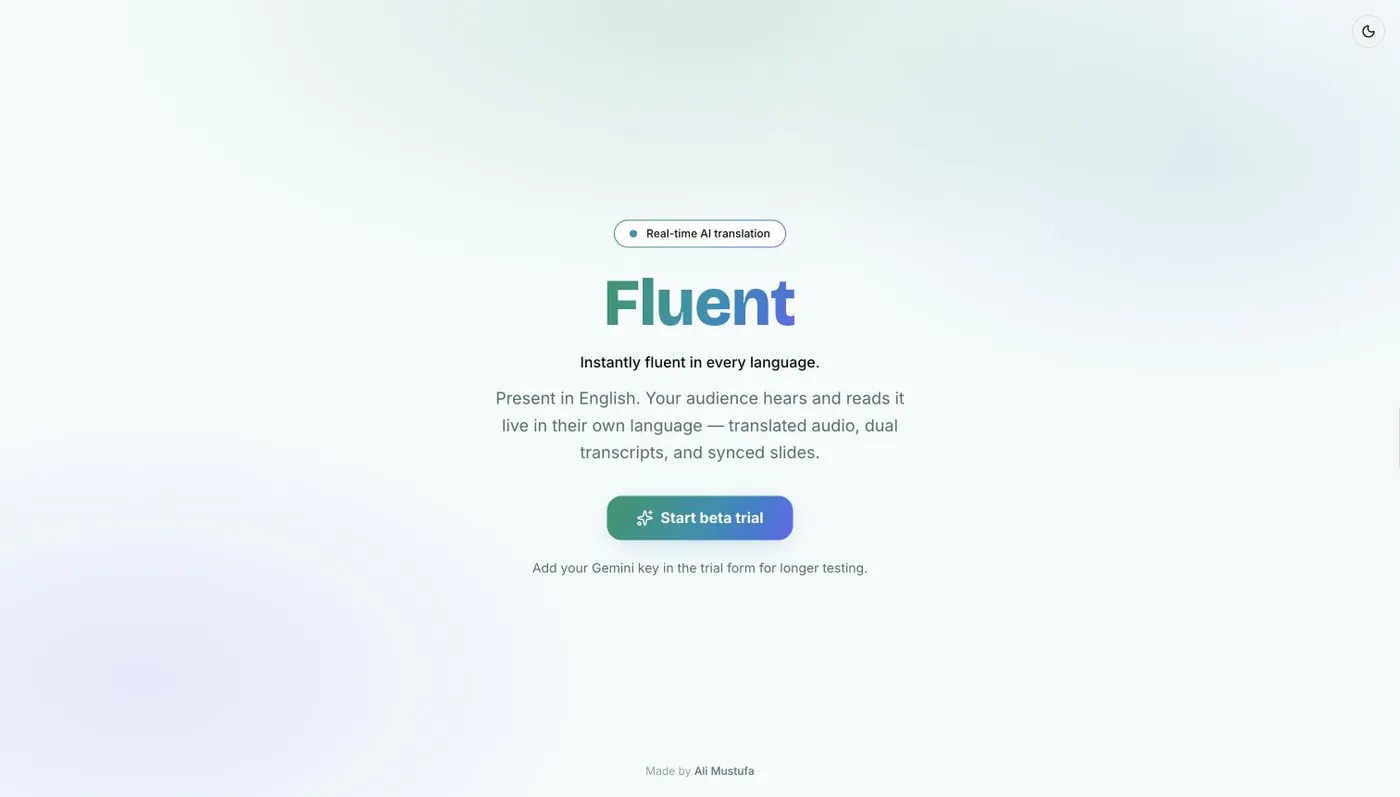
Fluent started while I was preparing for a talk in Istanbul. After the organiser shared feedback about language preferences, I wanted attendees to be able to follow the explanation and the slides together. I built the first version overnight.
A speaker shares a link; attendees follow captions, slides, polls, and reactions. In a translated session, they can also listen to translated speech. I wrote about that first build in the original Fluent post.
One talk, two kinds of delivery
Fluent has a React and Vite client and a Fastify server. The client handles the host, stage, and audience views. The server owns the live room and opens one Gemini Live connection per talk, keeping the API credentials off the audience’s devices.
There are two speech modes. Translate produces source-language captions, translated captions, and translated audio. Transcribe produces cleaned captions in the detected spoken language, without translation or generated audio. The choice is made when the session is created; it doesn’t change halfway through a talk.
The browser captures microphone input with getUserMedia and an AudioWorklet. The capture code downsamples the input into roughly 100-millisecond Int16 frames, and the server sends it to Gemini as 16 kHz PCM. What comes back is handled as separate transcript and audio events, rather than one finished response.
That distinction carries through to the audience. Captions, slide changes, polls, and reactions use the application’s WebSocket room. Translated audience audio takes a separate path through Cloudflare Realtime SFU, which distributes it to viewers. The speaker’s own audio monitor stays on the application WebSocket.
Viewer audio is optional. Without the Cloudflare audio configuration, the audience can still receive captions and use the presentation’s other features. The repository README shows the overall architecture and the conditions for each mode.
Deciding when a caption is finished
A live transcript arrives in pieces, with some text still changing. Fluent sends these partial captions through the room as temporary updates and saves final segments with their language, time offset, and slide index. Those fields keep the transcript connected to the presentation it came from.
The translation bridge can finalise a segment when the provider marks it finished, completes a turn, or leaves a 2.5-second idle gap. That last case handles a practical detail of continuous interpretation: there may not be a neat conversational turn boundary to wait for. The logic is in the Gemini bridge.
A connection can recover; a process can still restart
The bridge buffers up to roughly ten seconds of incoming audio while reconnecting to the provider. It waits for the new connection’s setup acknowledgement before flushing the buffer and uses capped exponential backoff for retries.
That recovery happens inside the running application. It doesn’t make the audio durable.
SQLite stores session data and final transcripts, while connected browsers and active model connections live in one Node.js process. Restarting the app replaces the active Gemini connection. Persisted session information and recent final captions can be restored when clients reconnect, but speech sent during the restart gap isn’t replayed, and not every part of the room resumes where it left off.
The documented deployment is a single Render service with persistent storage. Don’t deploy during a talk: the restart interrupts the session. The room implementation shows which records are saved and which state lives in memory.
Istanbul, then a separate room in Seoul
I’ve used Fluent in live developer sessions in Istanbul and Seoul. Approximately 150 participants were connected in parallel in Istanbul; around 50 joined the separate Seoul session.
Those are examples of real use, not load-test results. I don’t have measured translation-accuracy, latency, or reliability figures to publish. Each translated session also has one target language, rather than a separate language choice for every attendee.
There’s a speaker-only mode for output on the stage laptop, but it still needs the Fluent server and Gemini connection. Local output doesn’t mean offline translation.
Fluent is generally available. You can try it here, or follow the implementation in the source links below.